
Video Link : https://youtu.be/1Z9RQj_2B88
Go to "Settings".Then, navigate to the "Plan".

When you want to upgrade from your trial account, you can click on the alert message you see on the top of the admin panel.
Click on the "Upgrade button."

Enter your contact details on the screen as shown below.
Click on the "Pay using a card" button.

Enter your payment details.
Click on the "Pay now" button.

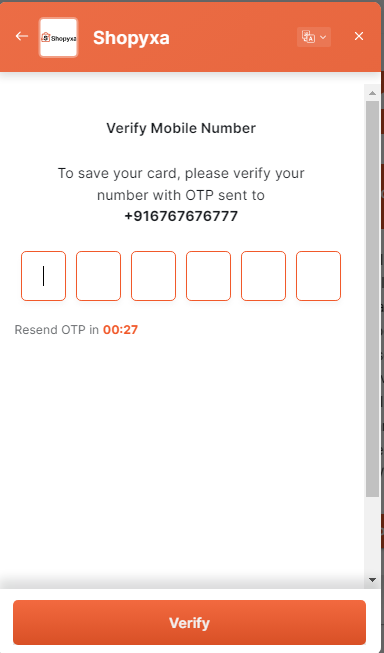
Enter the OTP you received on your given number.
Click on the "Verify" button.
You will view the below message in the Shopyxa admin panel.

You will see the currently Active plan along with the start and the renewal date.

If you still can't find an answer to what you're looking for, or you have a specific question, open a new ticket and we'd be happy to help!
Contact Us