
Video Link : https://youtu.be/3pxFjDzdTqU


Click on the Edit button.

Enter the new email ID and click save.

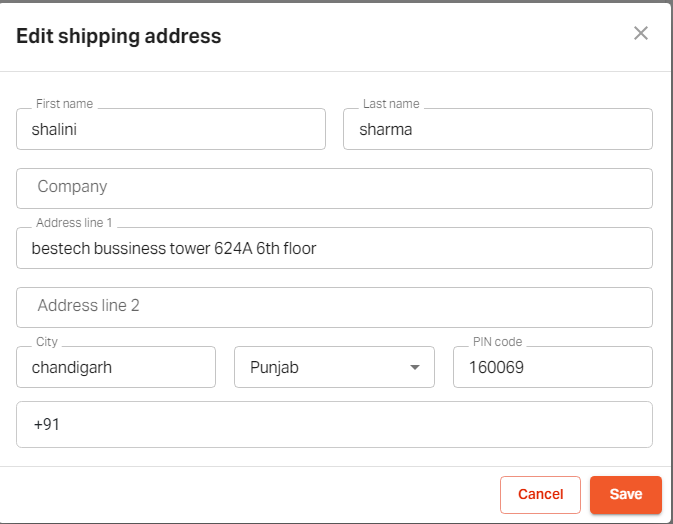
To edit the shipping details.
Click on the "Edit" icon.

Fill in the updated shipping details.
Click on "Save".
Click on the "edit" icon.


If you still can't find an answer to what you're looking for, or you have a specific question, open a new ticket and we'd be happy to help!
Contact Us