

Enter your login details in the window, as shown below. Click on "Login".


Choose the name for your new Shopyxa store.
Now click on "Continue".

Select your business revenue range and industry domain.
Click on "Continue".

Fill in the personal details.
Click on "Continue".

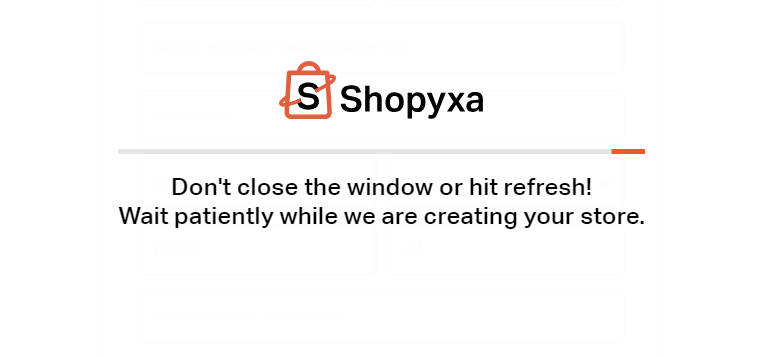
Wait till your new store is created.
If you still can't find an answer to what you're looking for, or you have a specific question, open a new ticket and we'd be happy to help!
Contact Us