
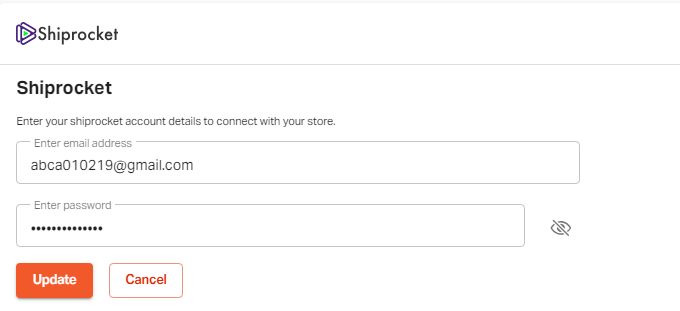
Shiprocket is your ecommerce logistics and shipping partner for PAN India. Create your account on Shiprocket and then create an API user. Enter the credentials of your API user account here to connect to Shiprocket to enable the courier services.
Note: You can create your Shiprocket account on the website: www.shiprocket.com
Log in to your Shiprocket account, here are the steps you need to perform before connecting Shiprocket to your Shopyxa account.
Go to "Settings" at the bottom of the left-hand side menu.

Go to the "settings" options. Click on "API Users”.

Click on "Add New API User".

Enter your email ID and password to create your API user.


Now go to "Apps"

Now click on the Shiprocket option.


Go to "Settings" at the bottom of the left-hand side menu.

Click on "Webhooks".

Paste the given URL in the field as shown below.
Click "Save Webhook".Then click on the "Test Webhook" option to check if an account is working properly.

-
You can disable/enable the connected API user account anytime by using the button as shown below.

On Shopyxa you can use the toggle button to enable/disabale the Shiprocket connectivity.

If you still can't find an answer to what you're looking for, or you have a specific question, open a new ticket and we'd be happy to help!
Contact Us