
Video Link : https://youtu.be/bRenMK_Hsqo

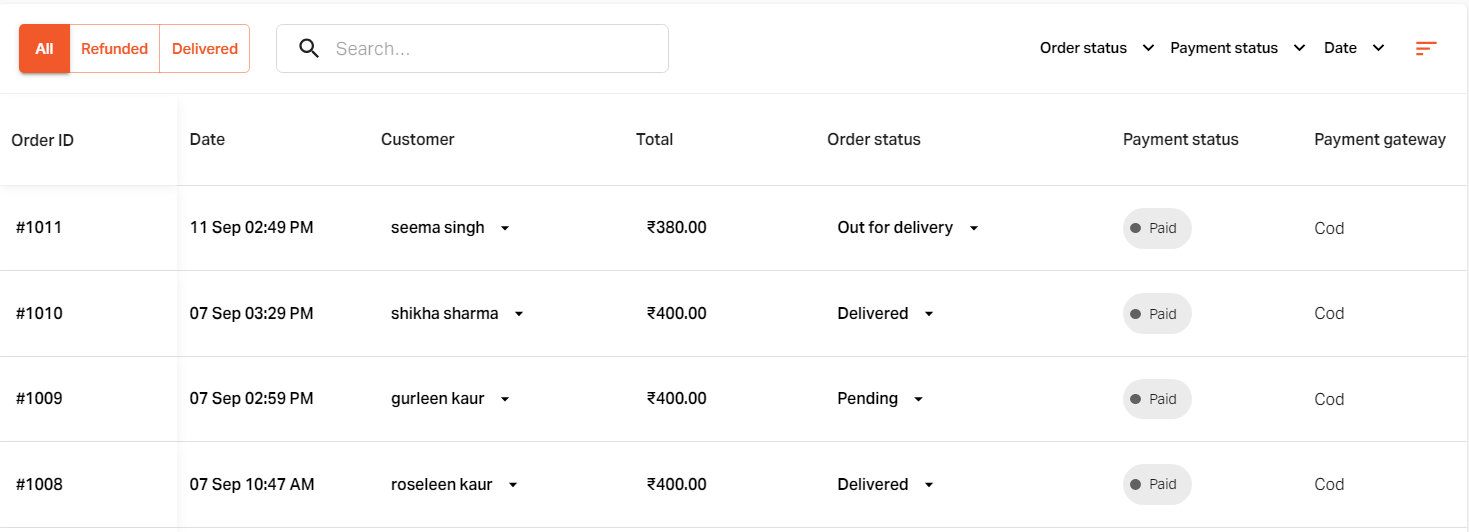
Click on "Cancel order".

Select the appropriate reason for the order cancellation.
Click on the "Save" button.
The order will be canceled successfully.

If you still can't find an answer to what you're looking for, or you have a specific question, open a new ticket and we'd be happy to help!
Contact Us