
Video Link : https://youtu.be/fdmOw812Azs
Go to "My store".Navigate to "Templates".
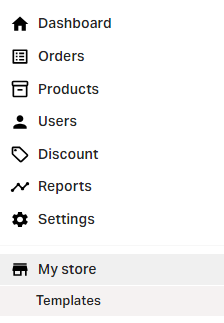
Click on "Customize".

Select the home page.
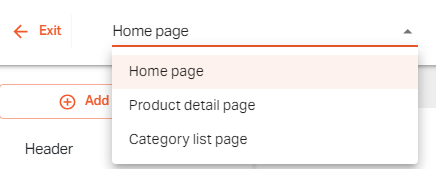
Click on the "Add new section".
Click on the below option.
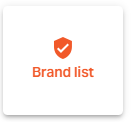

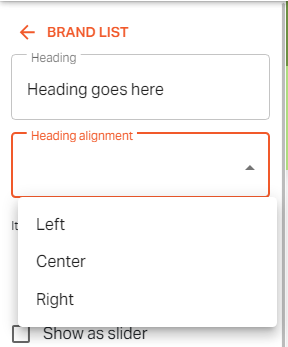
Enter a suitable Heading.
You can choose to align the Heading in one of the following 3 options.
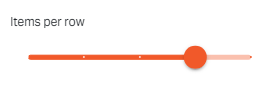
You can select the show as a slider to display the list of brands if you want.

Click on the "Edit" button.
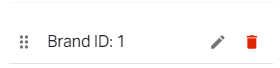
Click on the "Change"
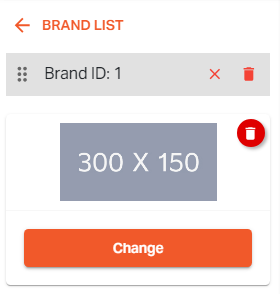
Now go to "Upload new".
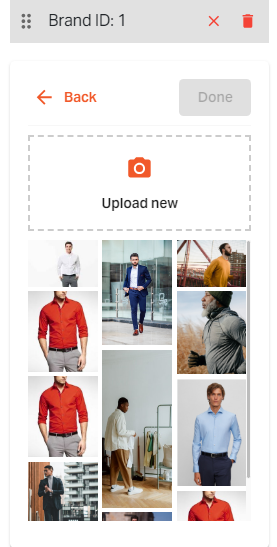
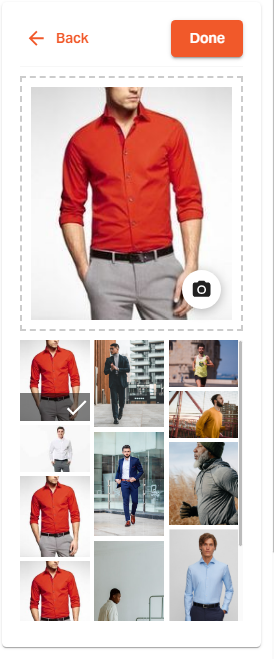
Select the image you have chosen.
Click on "Done".
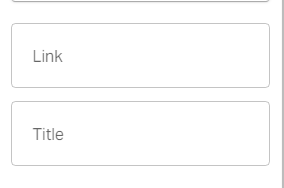
You can enter a Title and apply a webpage link of the store on it.
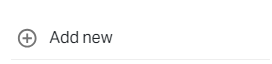
Now Click on the "Add new" button.
Now again click on the "Edit" icon and repeat the above steps.
You can add multiple brands to your list.

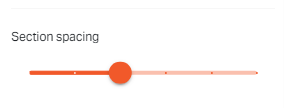
Adjust the spacing for this section using the slide bar.
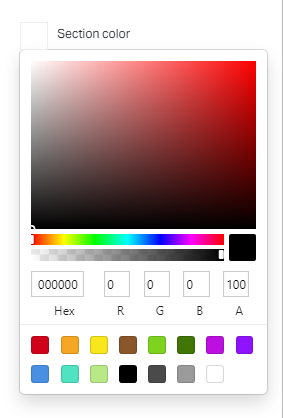
Click on the color box to set the section color.

Click on the "Save button".
If you still can't find an answer to what you're looking for, or you have a specific question, open a new ticket and we'd be happy to help!
Contact Us